Scheduling That Fits Cash-Pay Clinic Workflows
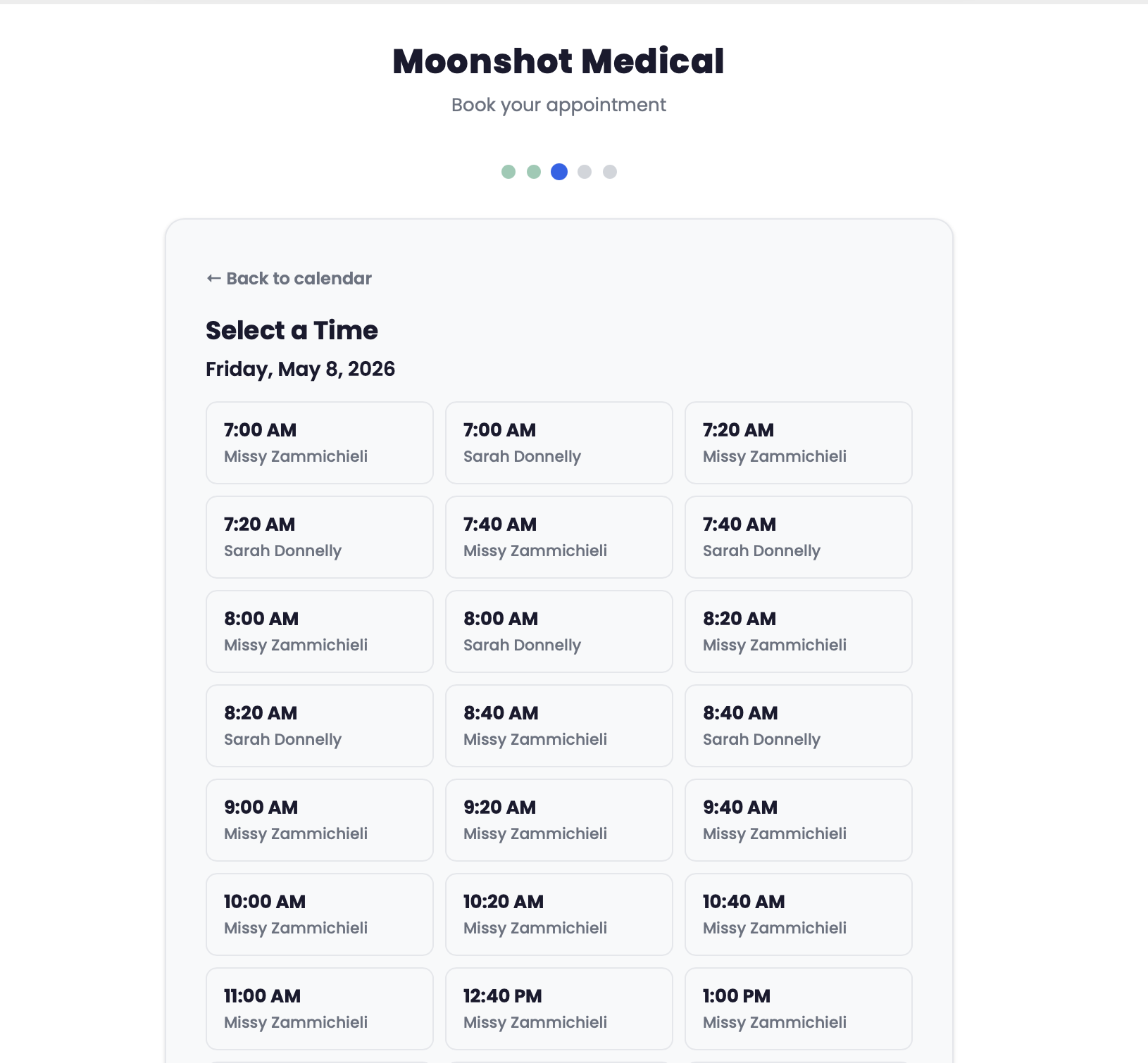
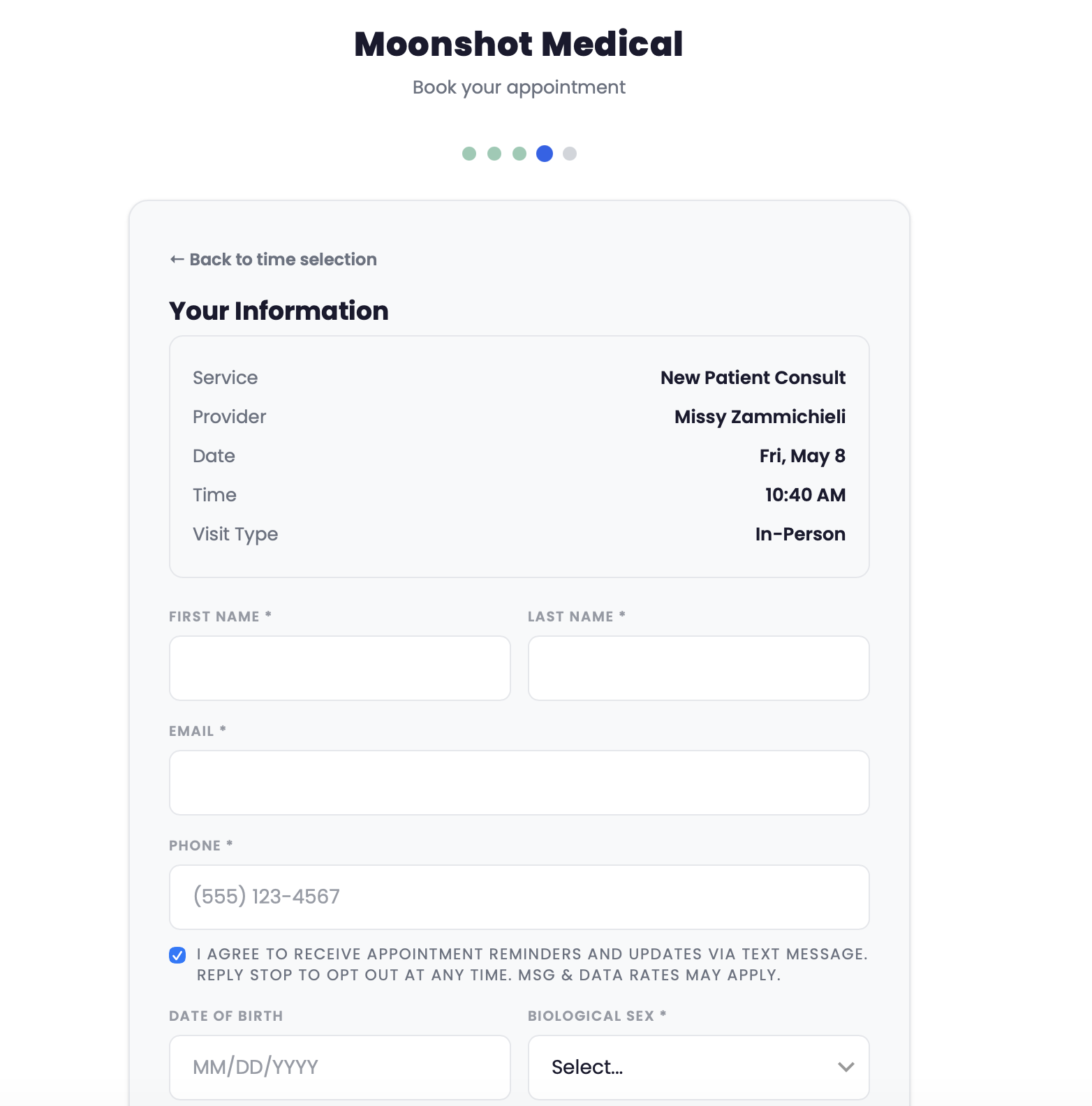
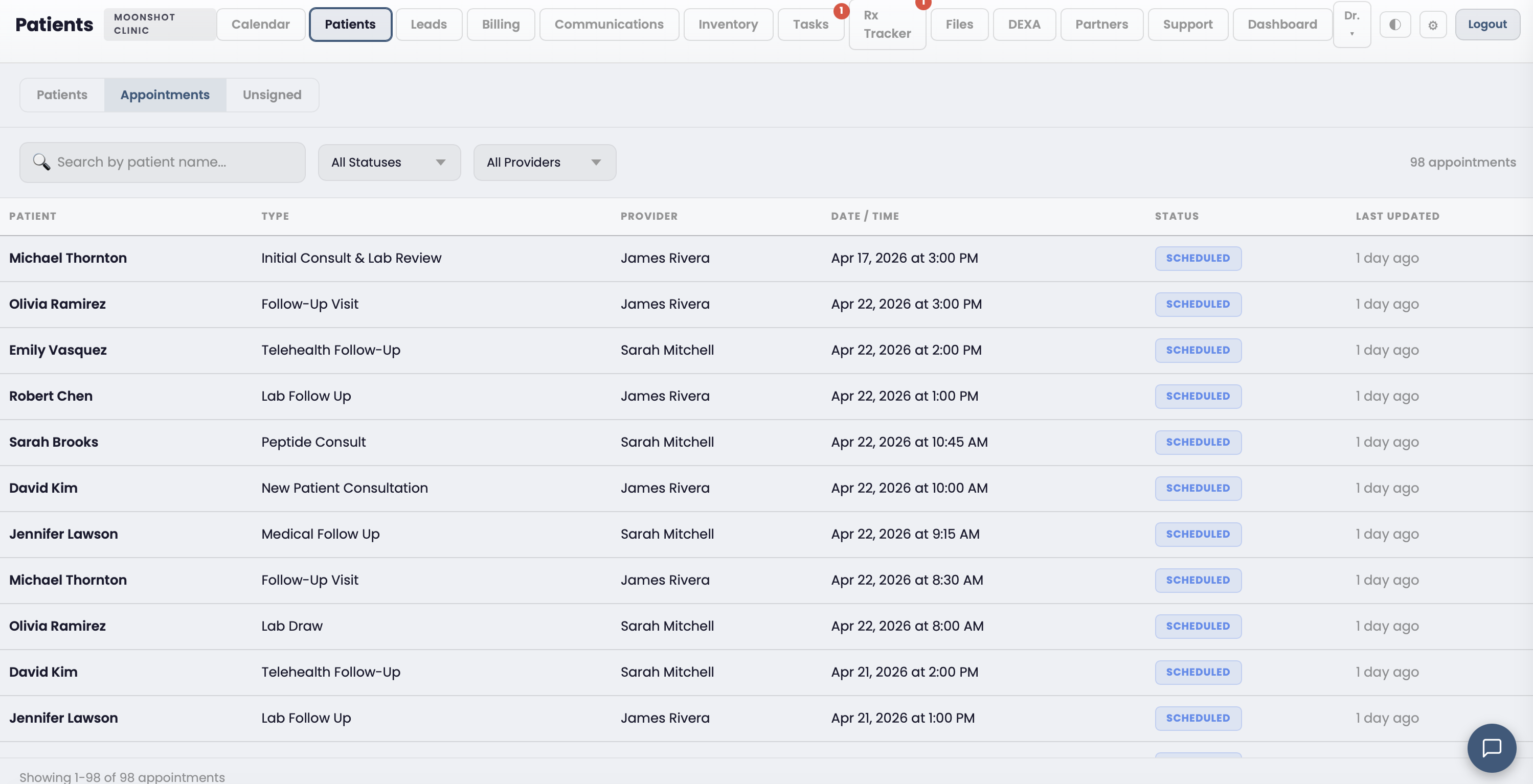
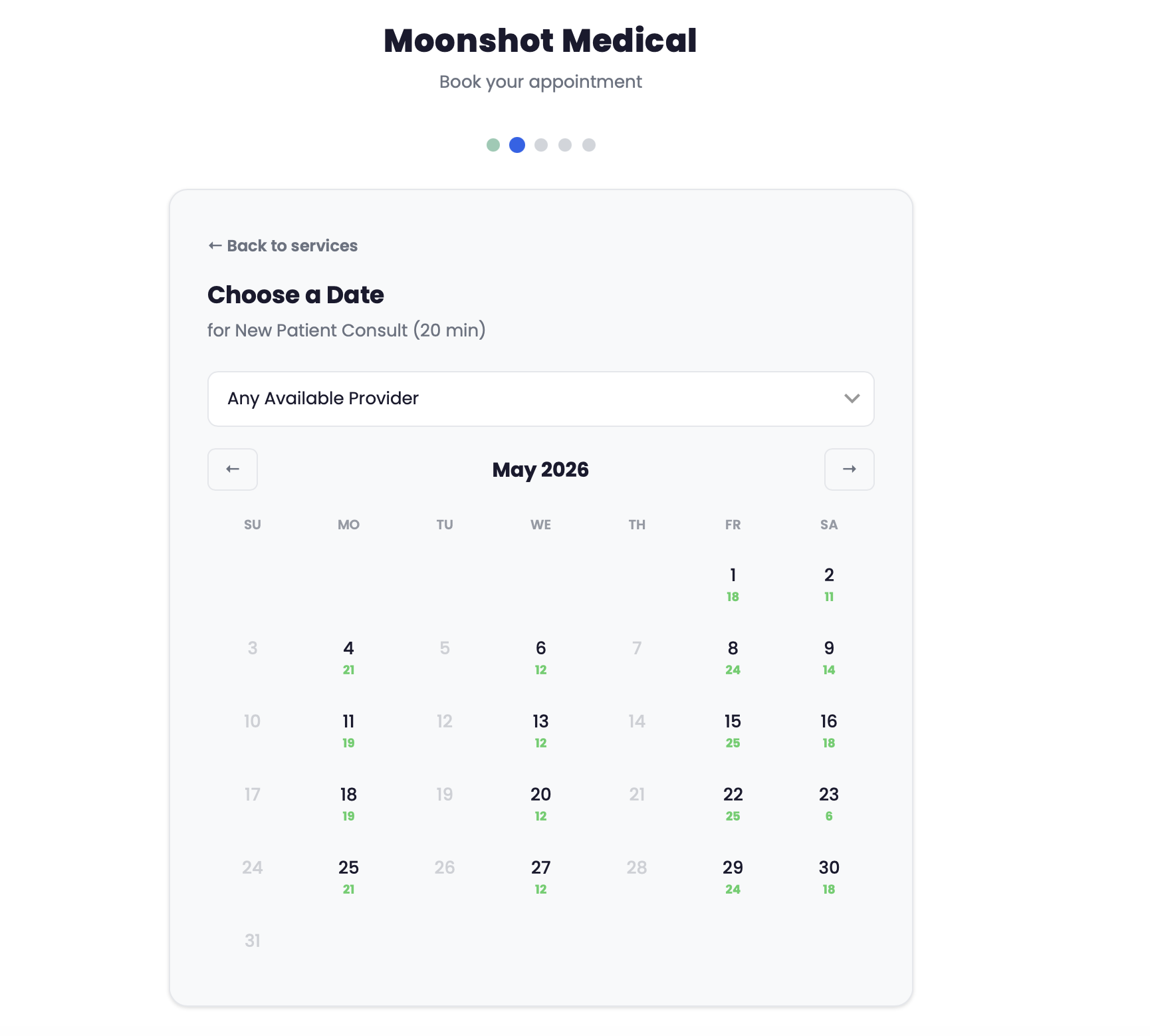
Multi-provider calendar, online booking with no portal signup, automated reminders, and appointment types with built-in pricing.
Multi-provider calendar, online booking with no portal signup, automated reminders, and appointment types with built-in pricing.
Capabilities
From first booking to follow-up reminder, scheduling runs itself so your team can focus on patients.
See every provider's schedule side by side. Filter by provider, date range, or appointment type. Drag to reschedule.
Patients book from your website with just a name, email, and phone. No portal signup. No password. Embedded or standalone.
Configure duration, pricing, color, prep instructions, and double-booking rules per appointment type. Link intake forms automatically.
SMS and email reminders sent on your schedule. Patients confirm or cancel directly. Reduce no-shows without lifting a finger.
Set weekly recurring schedules per provider. Block vacation and time-off windows. Templates update future availability automatically.
Allow or prevent overlapping appointments per type. Some visits need a full slot; others can overlap. You decide the rules.
Related Features
Patients book, cancel, and reschedule through the portal. Appointments sync in real time.
Learn moreForms auto-send when patients book. Responses land in the chart before they arrive.
Learn moreVirtual appointment types auto-provision video sessions. One click to join from the calendar.
Learn moreBook a 15-minute walkthrough and see how the calendar works for your clinic.
Get Started